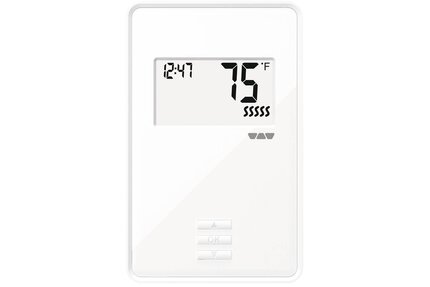
Schluter®-DITRA-HEAT-E-WiFi
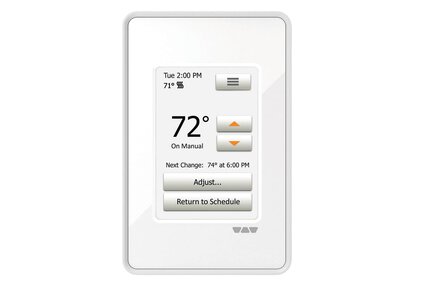
Programmable Wi-Fi thermostat for the DITRA-HEAT system

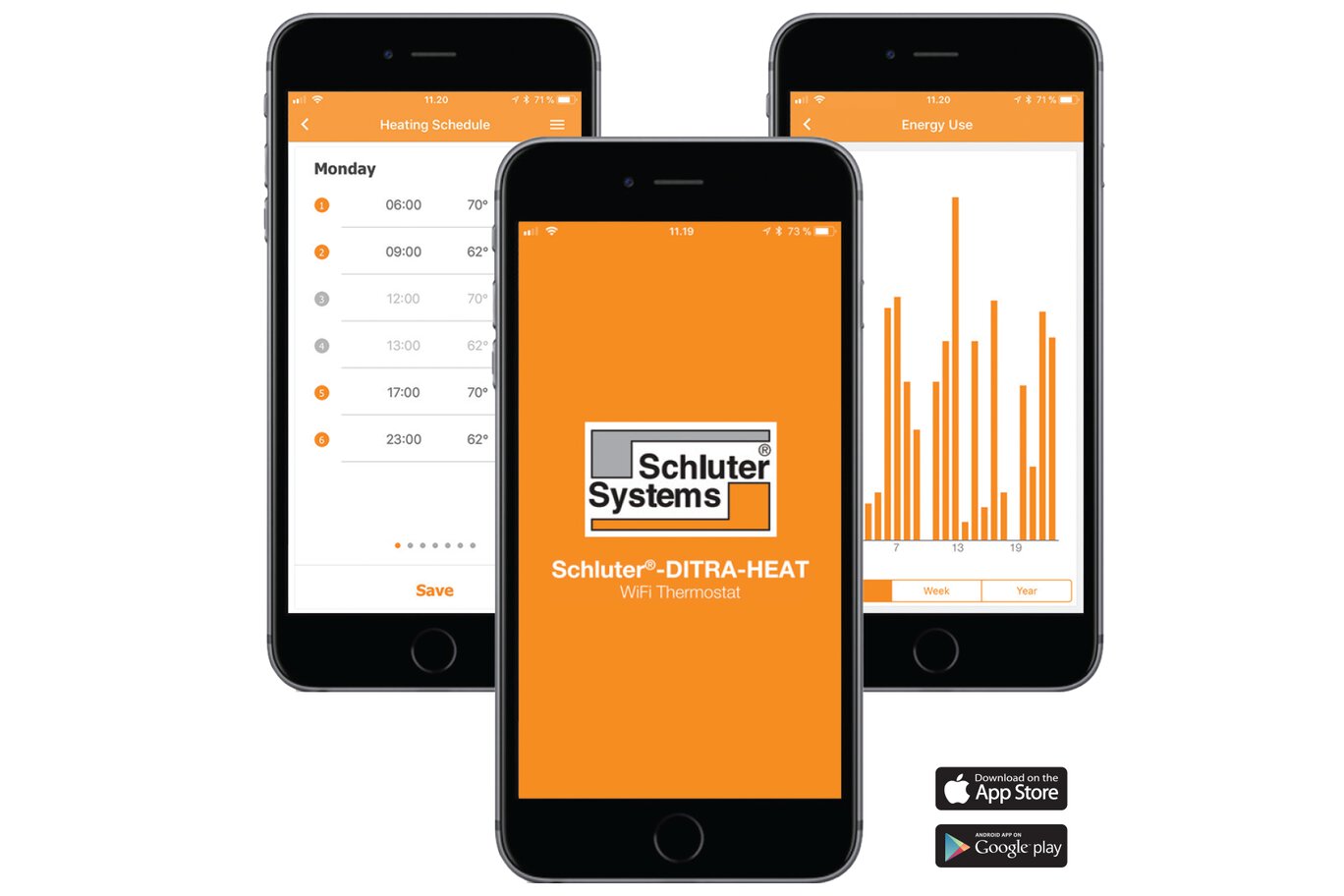
- Control your floor heating system from your smartphone or online
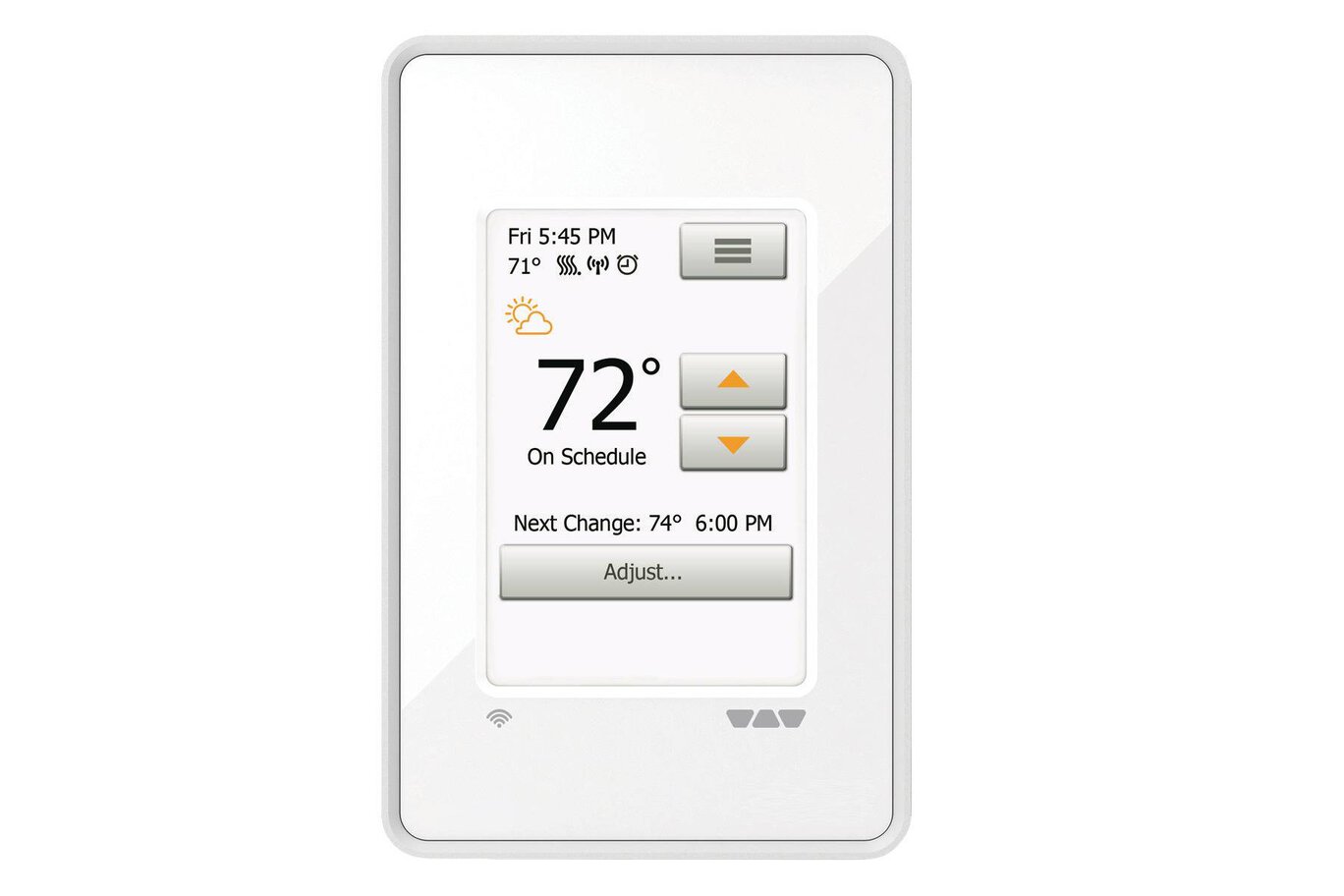
- Displays local temperature and weather forecast
- 3.5” color screen with easy interactive touch control
- 6 programming periods per day
- Track energy and consumption costs
- Set-up wizard walks you through programming
- Supports 120 V and 240 V cables
- Built-in Class A GFCI
Find recommended accessories here




DITRA-HEAT Estimator
Estimate your membrane and cable requirements without breaking a sweat.
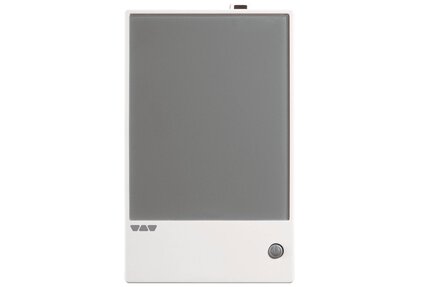
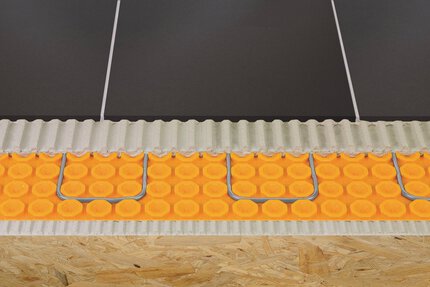
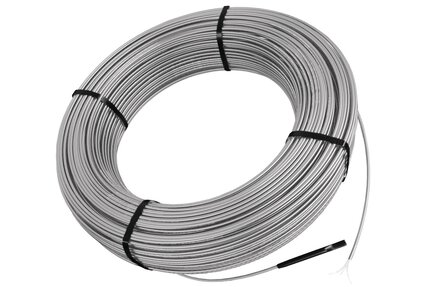
DITRA-HEAT-E-WiFi is a programmable WiFi touchscreen thermostat used to control the DITRA-HEAT-E-HK heating cables (either 120 V or 240 V). The thermostat features a built-in Class A ground fault circuit interrupter (GFCI). DITRA-HEAT-E-WiFi is operated via LCD touchscreen controls and features a pre-set schedule for convenience, which may be programmed to fit any schedule. When connected to WiFi, the thermostat provides convenient monitoring and adjustment of the floor warming system via the web or mobile app. Two heating cables may be connected to the thermostat, up to the total heating load limit of 15 amps. The DITRA-HEAT-E-RR power module may be used in conjunction with the thermostat when the heating load exceeds 15 amps (e.g., in large floor applications) to maintain a single point of control.
Please refer to the Interactive User Guide and Schluter®-DITRA-HEAT Installation Handbook for complete DITRA-HEAT system installation instructions.
1. DITRA-HEAT-E-WiFi must be installed in an electrical box. A single gang, deep electrical box or a double gang electrical box with a single gang mud ring is recommended to provide room for the wiring.
2. The power supply must be shut off and all electrical connections must be made by a qualified person, according to the electrical and building codes effective in your region.
3. Connect the heating cable ground braid to the ground wire from the electrical panel.
4. Remove the faceplate from the thermostat power base by loosening the screw and tilting the thermostat upward. Remove the back cover clip as well.
5. For ease of installation, form the electrical line wires into an “M” or accordion shape. This will make it easier to fold them neatly into the electrical box. Loosen the load screws at the top of the thermostat until they stop.
6. Insert the heating cable conductors into the load terminals from the bottom. Since there is no polarity, either heating cable conductor can be connected to either load terminal.
7. Secure the conductors by tightening the screws.
8. Insert the electrical line wires into the line terminals from the top. Refer to the back of thermostat for proper wiring configuration.
9. Secure the wires by tightening the screws and fold the wires into the electrical box.
10. Align and secure the thermostat power base to the electrical box.
11. Thread the floor temperature sensors through the opening at the bottom right of the thermostat power base. Tape up the secondary floor temperature sensor and secure to the power base.
12. Strip the ends of the floor temperature sensor to expose the wires for ease of installation. Insert the floor temperature sensor wires into terminals C and D. Note that the floor temperature sensor wires have no polarity and can be interchanged between C and D terminals. Tighten the screws to secure the wires.
13. The power, heating cable, and floor temperature sensor connections are now complete. Replace the thermostat faceplate and tighten the screw at the bottom of the unit.
Note: Two DITRA-HEAT-E-HK heating cables can be connected and controlled by a single DITRA-HEAT-E-WiFi thermostat if the total current is less than 15 amps. The heating cable leads must be wired in parallel according to applicable electrical and building codes. Multiple DITRA-HEAT-E-HK heating cables over 15 amps cannot be connected to a single DITRA-HEAT-E-WiFi thermostat. Additional DITRA-HEAT-E-WiFi thermostats must be used or the DITRA-HEAT-E-WiFi thermostat may be combined with the DITRA-HEAT-E-RR power modules.
Need Help with Your DITRA-HEAT System?
If your DITRA-HEAT system isn't performing as expected, complete the DITRA-HEAT Troubleshooting & Support Request Form and our team will help determine the next steps. The more information you provide, the quicker our team can review your situation and assist you.
FAQ
Can the DITRA-HEAT-E-WIFI be installed to replace an existing Schluter Thermostat? Can it be instlalled to replace a non-Schluter Thermostat? How is it installed?
Yes, the Wi-Fi thermostat can be used with any electric radiant floor heating system that does not exceed a 15 amp load. Consult with a local electrician...
Read moreWhere do I purchase the Schluter WiFi thermostat?
What temperature will my heated floor reach?
Average surface temperature is 75 - 97ºF (24 - 36ºC), but the normal comfortable range is 77 - 84ºF (25 - 29ºC)...
Read moreFor the DITRA-HEAT-E-RT programmable thermostat, how do I suspend my heating schedule?
Can I lock my DITRA-HEAT-E-WIFI thermostat to help prevent changes to the settings?
What is the earliest that the thermostat will begin heating?
What is the length of the sensor wire and can it be extended?
The floor temperature sensor is appx. 13 ft (4 m) in length and can be extended using an 18 AWG, 2-wire cable...
Read moreHow do I adjust the brightness of the thermostat display?
On the DITRA-HEAT-E-RT and DITRA-HEAT-E-WIFI, select "User Settings" from the menu, then "Display Brightness" and adjust it using..
Read moreCan I override the automatic time setting feature on the DITRA-HEAT-E-WIFI thermostat and manually set my clock?
How do I connect an expansion unit to my DITRA-HEAT-E-WIFI/-RT/-R thermostat?
How do I connect to the WiFi and setup?
An internet connection is required to utilize the WiFi functionality. The thermostat will function...
Read moreHow do I update my email address?
Can my thermostat obtain software updates?
No, the DITRA-HEAT-E-RT, DITRA-HEAT-E-R and DITRA-HEAT-E-WIFI thermostats cannot obtain software updates.
Read moreI no longer want to use the Wi-Fi connectivity of my DITRA-HEAT-E-WiFi thermostat. How do I turn off this feature?
Is the DITRA-HEAT-E-WiFi thermostat compatible with both iOS and Android apps?
Yes , download the "Schluter-DITRA-HEAT-E-WIFI" App from the App Store or Google Play..
Read moreHow do I connect multiple thermostats to one account?
Multiple thermostats will automatically be in one account if they all have been registered with the same email address.
Read moreHow do I give another user access?
How do I unregister my thermostat from a previous account?
Is my login information the same for the DITRA-HEAT-E-WIFI website and my mobile apps?
Yes, the login information is the same for both. To access the DITRA-HEAT-E-WIFI website...
Read moreHow do I connect an expansion unit/power module to the DITRA-HEAT-E-WIFI, DITRA-HEAT-E-RT or DITRA-HEAT-E-R thermostats?
Connect a 2 conductor 20 AWG wire from terminal A on the thermostat to terminal C on the power module and from...
Read more
DITRA-HEAT-E-WiFi is c-UL-us according to the following standards:
Thermostat: UL 60730
CSA- E60730
UL E-file: E157297
GFCI: UL 943
CSA C22.2, No. 144. 1-06

Watch & Learn
About the product

How to Program the Schluter®-DITRA-HEAT-E-WiFi Thermostat

DITRA-HEAT-E-WiFi Thermostat
Find some existing tutorials and project documentation videos to learn how-to get the best out of our products - for more fun in your life, start now!
Watch more videos / playlists