Schluter®-DITRA-HEAT-E-RS1
Smart Thermostat for the DITRA-HEAT system

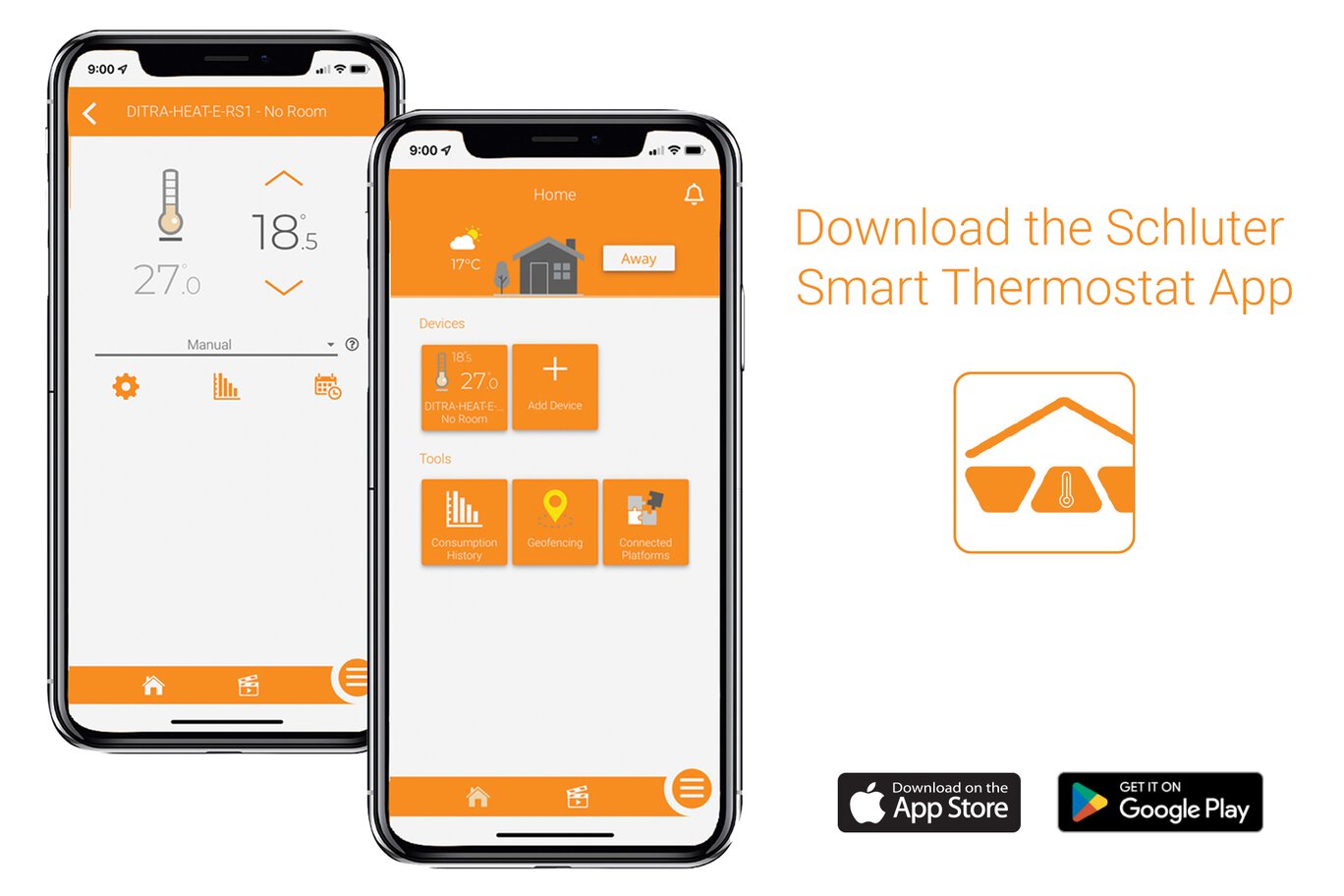
- Download the Schluter Smart Thermostat app for convenient, remote access to your DITRA-HEAT floor warming system
- Create Scenes when multiple thermostats are installed
- Geofencing functionality turns up the heat when you’re coming home, and detects when you’re away
- Quick and easy to install and set-up
- Multiple energy-saving functions
- Lockable buttons
- Adaptive backlight
- Max ambient temperature limit when in floor control mode
- Temperature protection for laminate, LVT, and similar floor coverings
- Outdoor weather display
- Compatible with the Schluter®-DITRA-HEAT-E-RRS power module
- Compatible with Apple Home and Amazon Alexa
Find recommended accessories here



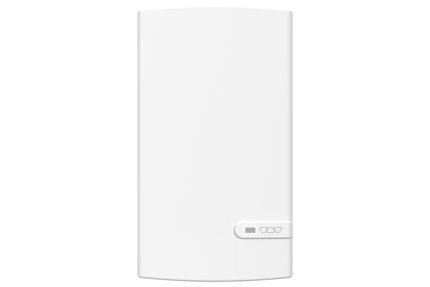
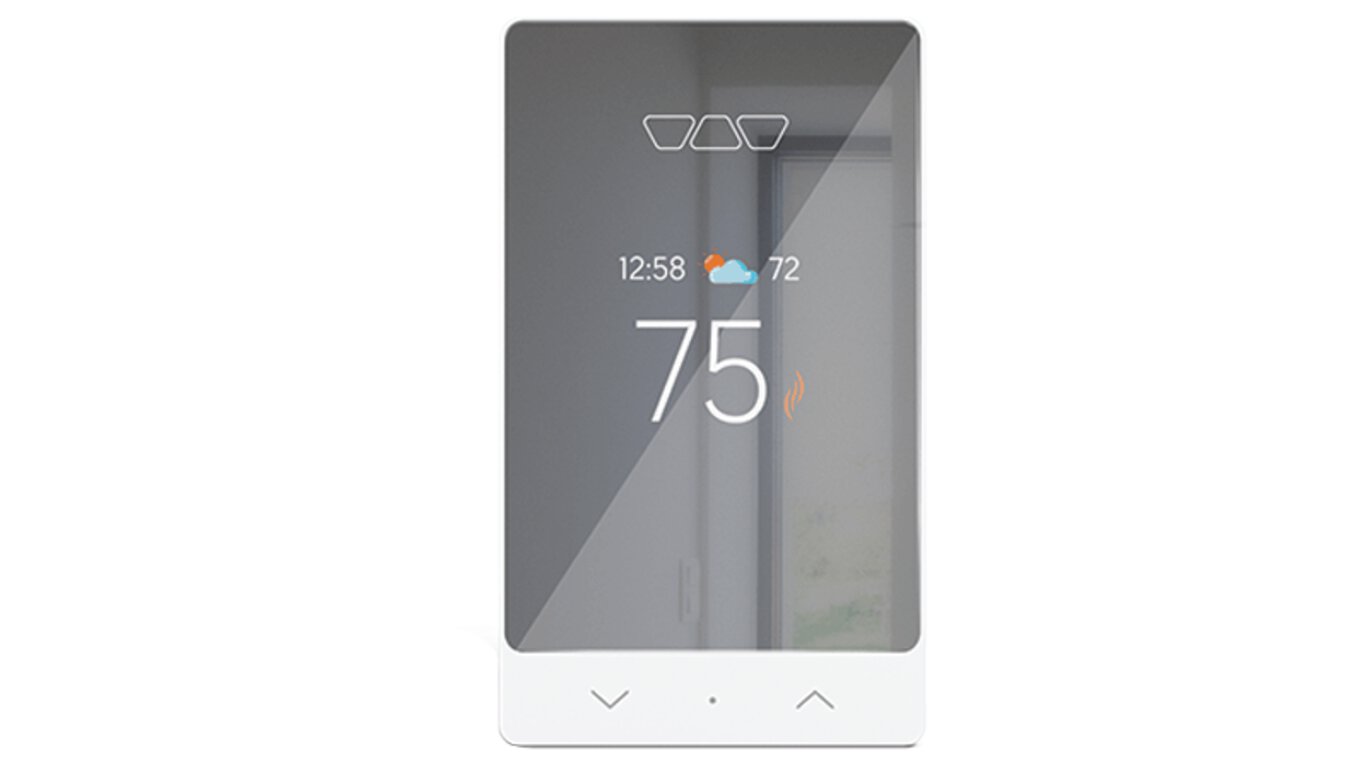
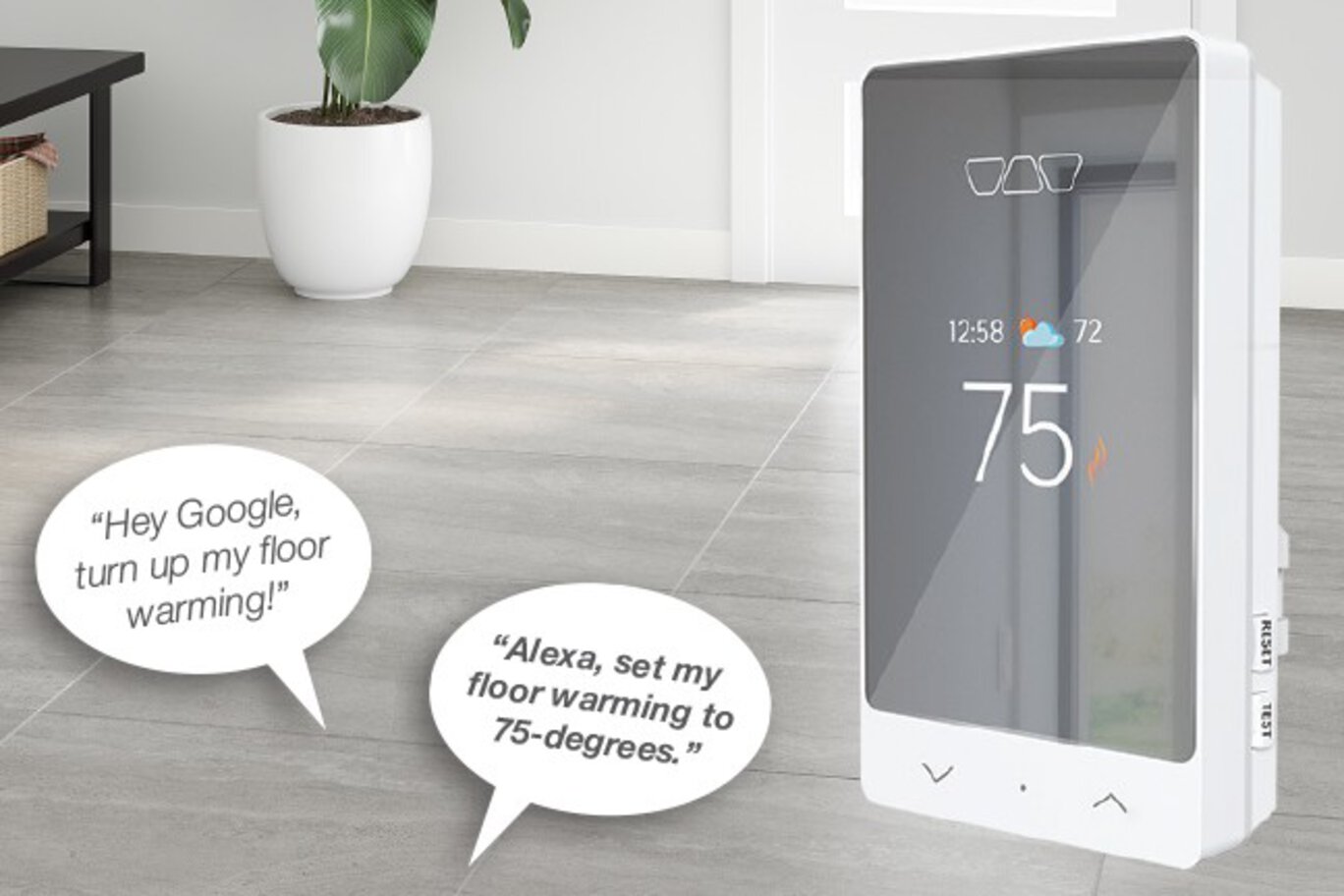
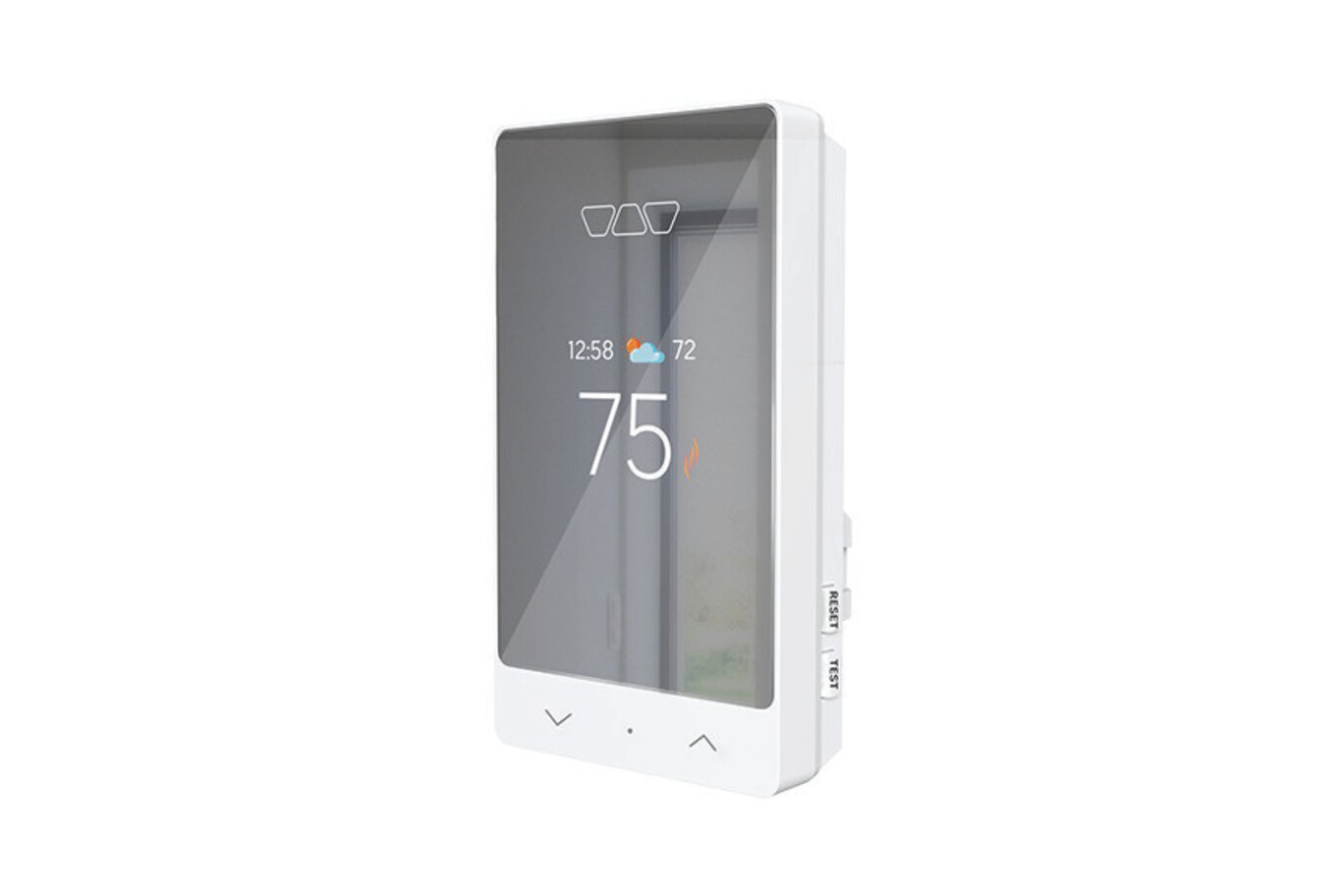
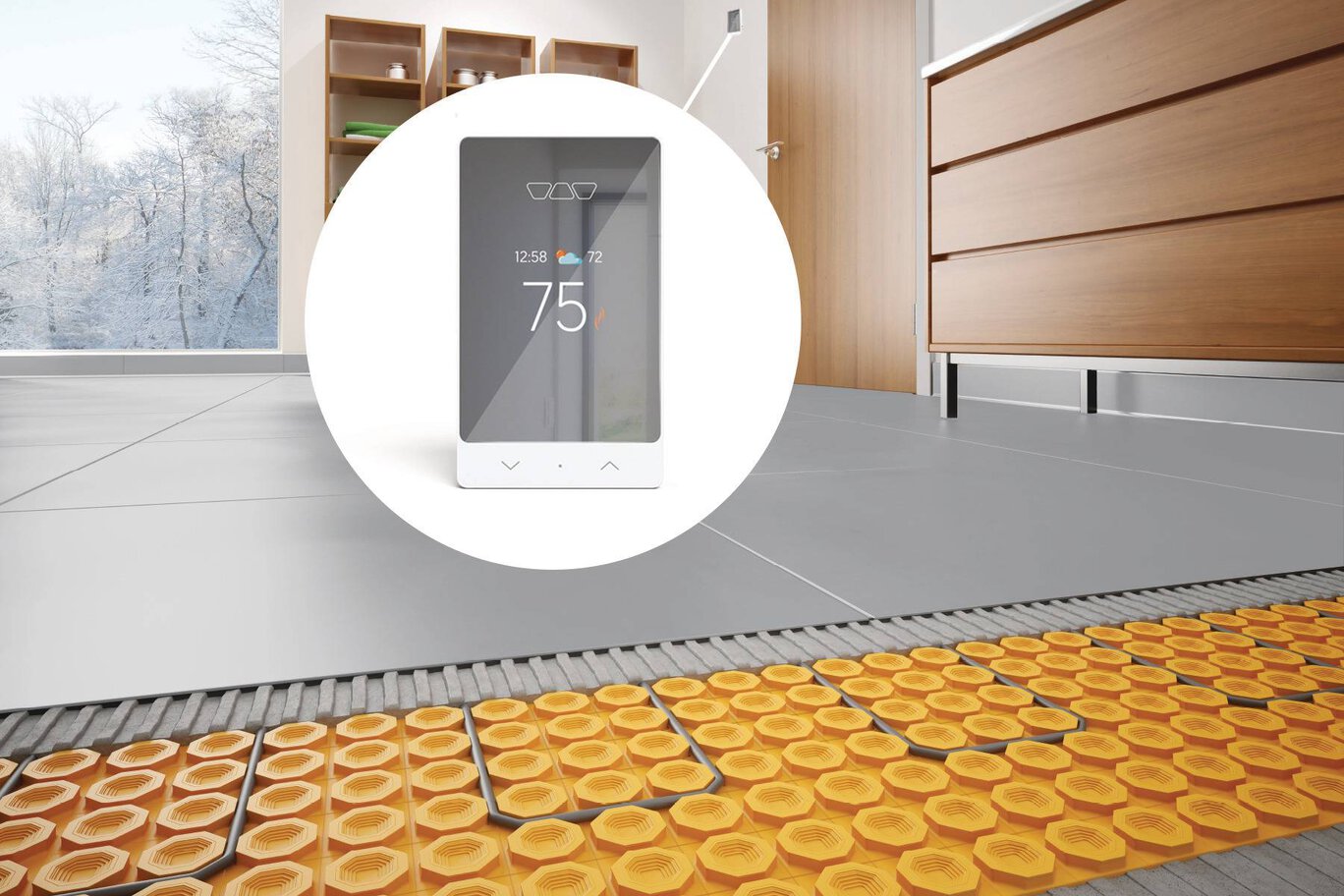
The Schluter®-DITRA-HEAT-E-RS1 is a smart thermostat for the Schluter®-DITRA-HEAT floor warming system. It features a sleek design with a mirror-finish and third-party integration with popular voice and home assistants to easily include floor warming into your smart home capabilities.
DITRA-HEAT-E-RS1 is a smart thermostat used to control the DITRA-HEAT-E-HK heating cables (either 120 V or 240 V). The thermostat features a built-in Class A ground fault circuit interrupter (GFCI) and includes input terminals to connect a 10k floor temperature sensor. Two floor temperature sensors are provided with each DITRA-HEAT-E-HK heating cable box.
The DITRA-HEAT-E-RS1 was designed to be mainly operated via the Schluter Smart Thermostat app. All features can be programmed and controlled using the app, and these features include remote access, time-temperature scheduling, maximum and minimum floor temperatures, maximum ambient temperature when in floor control mode, easy smart home integration, geofencing capabilities, etc.
The basic installation setup can be programmed from the thermostat menu using the dot soft button and the arrows. Manual temperature adjustments can be made directly using the arrows. When connected to Wi-Fi, the thermostat provides convenient monitoring and adjustment of the floor warming system via our mobile app.
Multiple heating cables may be connected to the thermostat up to the total heating load limit of 15 amps. The DITRA-HEAT-E-RRS power module may be used in conjunction with the thermostat when the heating load exceeds 15 amps (e.g., in large floor applications) to maintain a single point of control. This power module can only be used with the DITRA-HEAT-E-RS1 thermostat.
Note: iPhones running iOS older than version 10 and Android running versions older than 6 are not officially supported by the Schluter Smart Thermostat App.
Please refer to the Smart Thermostat Installation Manual and Schluter®-DITRA-HEAT Installation Handbook for complete DITRA-HEAT system installation instructions.
1. DITRA-HEAT-E-RS1 must be installed in an electrical box. A single gang, deep electrical box or a double gang electrical box with a single gang mud ring is recommended to provide room for the wiring.
2. The power supply must be shut off and all electrical connections must be made by a qualified person according to the electrical and building codes effective in your region.
3. Connect the heating cable ground braid to the grounding screw of the electrical junction box.
4. Remove the faceplate from the thermostat power base by loosening the screw and tilting the thermostat upward.
5. For ease of installation, form the electrical line wires into an “M” or accordion shape. This will make it easier to fold them neatly into the electrical box. Loosen the load screws at the top of the thermostat until they stop.
6. Insert the heating cable conductors into the holes of the load terminals. Since there is no polarity, either heating cable conductor can be connected to either load terminal.
7. Secure the conductors by tightening the screws.
8. Insert the electrical line wires into the line terminals. Refer to the back of thermostat for proper wiring configuration.
9. Secure the wires by tightening the screws and fold the wires into the electrical box.
10. Thread the floor temperature sensors through the slot opening at the bottom left of the thermostat power base. Tape up the secondary floor temperature sensor and secure to the power base.
11. Strip the ends of the floor temperature sensor to expose the wires for ease of installation. Insert the floor temperature sensor wires into the indicated terminals marked “Floor Sensor”. Note that the floor temperature sensor wires have no polarity and can be interchanged between the sensor terminals. Tighten the screws to secure the wires.
12. Align and secure the thermostat power base to the electrical box.
13. The power, heating cable, and floor temperature sensor connections are now complete. Replace the thermostat faceplate and tighten the screw at the bottom of the unit.
Note: Multiple DITRA-HEAT-E-HK heating cables can be connected and controlled by a single DITRA-HEAT-E-RS1 thermostat if the total current is less than 15 amps. The heating cable leads must be wired in parallel according to applicable electrical and building codes. Multiple DITRA-HEAT-E-HK heating cables over 15 amps cannot be connected to a single DITRA-HEAT-E-RS1 thermostat. Additional DITRA-HEAT-E-RS1 thermostats must be used or the DITRA-HEAT-E-RS1 thermostat may be combined with the DITRA-HEAT-E-RRS power modules.
Need Help with Your DITRA-HEAT System?
If your DITRA-HEAT system isn't performing as expected, complete the DITRA-HEAT Troubleshooting & Support Request Form and our team will help determine the next steps. The more information you provide, the quicker our team can review your situation and assist you.
FAQ
Puis-je verrouiller le thermostat DITRA-HEAT-E-RS1, de sorte que personne ne modifie les réglages?
Oui, à l'aide de la fonction « Verrouillage » dans le menu de l'application pour le thermostat en question.
Read moreComment faire pour suspendre ma programmation pour un certain temps?
Appuyez sur la flèche appropriée sur le thermostat pour ajuster la température, ou utilisez l'application mobile et sélectionnez...
Read moreJ'éprouve des difficultés de connexion à Internet ou au réseau cellulaire. Puis-je déverrouiller le clavier même si je n'ai pas accès à l'application?
Comment faire pour raccorder une unité d'expansion/un module de puissance au thermostat intelligent DITRA-HEAT-E-RS1?
Branchez les bornes AUX 1 et 2 du thermostat aux bornes AUX IN du module de puissance...
Read morePuis-je outrepasser le réglage automatique de l'heure?
Non, le réglage de l'heure et les informations météo sont automatiquement rattachés à...
Read morePuis-je ajuster la luminosité de l'écran du thermostat?
Comment puis-je établir la charge électrique du thermostat?
La charge est le nombre total de watts tirés par l'ensemble des câbles chauffants reliés directement au thermostat...
Read morePeut-on installer le thermostat Schluter-DITRA-HEAT-E-RS1 pour remplacer un thermostat Schluter existent? Peut-il être installé pour remplacer un thermostat non-Schluter? Comment est-il installé?
OUI, le thermostat peut être utilisé avec n'importe quel système de chauffage de plancher. Consultez un électricien local pour vous assurer...
Read moreÀ quel endroit puis-je me procurer le thermostat Schluter-DITRA-HEAT-E-RS1?
Vérifiez auprès de votre revendeur local ou sélectionnez "Où acheter" en haut de cet écran pour connaître les points de vente locaux.
Read moreQue se passe-t-il s'il y a une panne d'électricité?
Une fois l'alimentation rétablie, le thermostat reviendra aux réglages programmés, ou à la température de consigne manuelle d'avant la panne.
Read moreLe câble chauffant posé sous le plancher comporte un fil de mise à la terre, alors qu'on ne trouve pas de borne correspondante dans le thermostat. Que dois je faire de la mise à la terre?
Est-ce que le thermostat Schluter-DITRA-HEAT-E-RS1 est compatible avec les applications iOS et Android?
Oui, téléchargez l'application Thermostat Intelligent Schluter-DITRA-HEAT auprès de Google Play ou l'App Store...
Read moreEst-ce que je peux accéder au thermostat Schluter-DITRA-HEAT-E-RS1 par le Web?
Comment faire pour me connecter au réseau Wi-Fi et configurer cette connexion?
Comment mettre à jour mon courriel dans l'application mobile? Que faire si j'ai perdu mon mot de passe?
Saisissez une nouvelle adresse de courriel dans les « Paramètres du compte » de l'application...
Read moreEst-ce que mon thermostat peut obtenir des mises à jour du logiciel?
Comment puis-je connecter plusieurs thermostats à un même compte?
Allez à « Ajouter un appareil » dans le menu de l'application, et ils le seront automatiquement...
Read moreComment faire pour donner à d'autres utilisateurs l'accès au thermostat Schluter DITRA-HEAT-E-RS1 par l'application mobile?
Je ne souhaite plus utiliser la connectivité Wi-Fi de mon thermostat Schluter-DITRA-HEAT-E-RS1. Comment faire pour désactiver cette fonction?
Comment dissocier mon thermostat d'un ancien compte?
Est-ce possible pour différents utilisateurs de l'application de commander des thermostats distincts?
Oui, il est possible de créer des comptes individuels (courriel et mot de passe uniques) pour commander des...
Read moreQuand je passe du mode de commande à la température maximale du plancher sur le thermostat, je ne vois pas le changement de mode dans l'application.
Un tel changement nécessite la réinitialisation de l'application. En revenant à la page principale ou d'accueil du...
Read morePourquoi le réglage d'absence est-il activé sur le thermostat avec une icône d'avion alors que la page d'accueil de l'application indique que le réglage de présence est actif et que je n'ai ni quitté la maison ni réglé le thermostat en mode d'absence?
Le géorepérage peut être commandé à partir d'un seul compte à la fois. Cette situation se produit lorsque plusieurs téléphones intelligents sont...
Read moreEst-ce que le géorepérage peut être activé pour plus d'un appareil mobile, ou être transféré d'un appareil à un autre?
Le géorepérage est fonctionnel pour le premier appareil mobile qui l'a activé. Le géorepérage pour multi-usagers est...
Read moreComment protéger mon plancher stratifié, en tuiles de vinyle de luxe, en composite de pierre ou muni d'un revêtement semblable en réglant la température maximale à 28 °C (82 °F)?
Dans les réglages avancés, en mode de commande « plancher » ou « ambiante », réglez la température maximale du plancher à...
Read morePourquoi le décalage de la température du plancher ne semble-t-il pas fonctionner correctement?
Ça fonctionne! Le décalage se fait graduellement au fil du temps pour éviter un changement de température brusque ou soudain.
Read moreQu'est-ce que le mode de protection contre le gel?
Le mode de protection contre le gel empêche la température du plancher de tomber sous le point de consigne minimal sélectionné dans les réglages avancés.
Read moreJ'ai un établissement commercial. L'application Thermostat intel. Schluter peut-elle fonctionner avec mon logiciel d'automatisation du bâtiment?
C'est possible. Veuillez communiquer avec notre équipe de soutien à la clientèle pour parler de votre application.
Read moreAvec quelles versions des systèmes d'exploitation iOS et Android l'application est-elle compatible?
L'application DITRA-HEAT-E-RS1 est compatible avec iOS 10 et Android 6 et les versions plus récentes.
Read moreL'application du thermostat intelligent Schluter n'affiche pas la bonne unité de température Fahrenheit (F) / Celsius (°C).
Settings such as temperature unit (°F or °C), time (12- or 24-hour clock), and language (English or French) are not synced between the...
Read morePuis-je utiliser l’application Schluter si mon thermostat DITRA-HEAT-E-RS1 est connecté à un système Control4?
Une fois le thermostat ajouté à Control4, tous les réglages quotidiens (changements de température, réglages prédéfinis, horaires) doivent être...
Read morePuis-je utiliser le mode régulateur avec mon système Control4?
Non, le mode régulateur n’est pas compatible avec Control4. Si vous devez absolument utiliser le mode régulateur, veuillez communiquer...
Read morePourquoi mon thermostat DITRA-HEAT-E-RS1 ne respecte-t-il pas le programme que j’ai défini dans Control4?
Si un autre système a encore un réglage de température actif, il est possible que Control4 ne suive pas...
Read moreComment puis-je changer le mode de chauffage utilisé par mon thermostat DITRA-HEAT-E-RS1?
Il n’est pas possible de modifier le mode de chauffage dans l’application Control4. Pour passer du...
Read moreComment puis-je ajouter un nouvel élément à mon programme dans Control4?
Dans Control4, les horaires fonctionnent selon des réglages prédéfinis. Configurez d’abord...
Read moreMon thermostat DITRA-HEAT-E-RS1 et mon système Control4 ne sont plus connectés ensemble. Que faire?
Vérifiez tout d’abord que le thermostat est bien connecté à un réseau Wi-Fi. Le symbole « ! » à côté de l’icône Wi-Fi signifie que...
Read moreLe thermostat DITRA-HEAT-E-RS1 est homologué c-UL-us conformément aux normes :
• UL 60730-1, UL 60730-2-9
• CSA E60730-1, CSA E60730-2-9
• UL 943
• CSA C22.2 No. 144.1
• La puce Wi-Fi du thermostat DITRA-HEAT-E-RS1 est homologuée par la FCC (É.-U.) et IC (Canada), sous les numéros suivants :
o No IC : ………….21098-ESPWROOM32
Conception en instance de brevet (États-Unis) et plan industriel déposé (Canada).

Watch & Learn
About the product

Comment installer le thermostat intelligent Schluter®-DITRA-HEAT-E-RS1

Le thermostat intelligent Schluter®-DITRA-HEAT-E-RS1
Find some existing tutorials and project documentation videos to learn how-to get the best out of our products - for more fun in your life, start now!
Watch more videos / playlists